python直接操作ffmpeg,无需在官网下载!
一、前言
在要使用ffmpeg处理的时候,不想去官网下载ffmpeg然后添加到环境变量再使用。研究了一下,可以通过下面的方法解决
imageio_ffmpeg + subprocess
二、具体步骤
1、环境配置
pip install imageio_ffmpeg #根据系统自动下载对应ffmpeg
pip install subprocess #python子进程执行
2、具体测试程序
import subprocess
import imageio_ffmpegcompress = "{} -i video2.mkv -r 24 -vcodec h264 video2_new22.mp4".format(imageio_ffmpeg.get_ffmpeg_exe())
f = subprocess.Popen(compress)
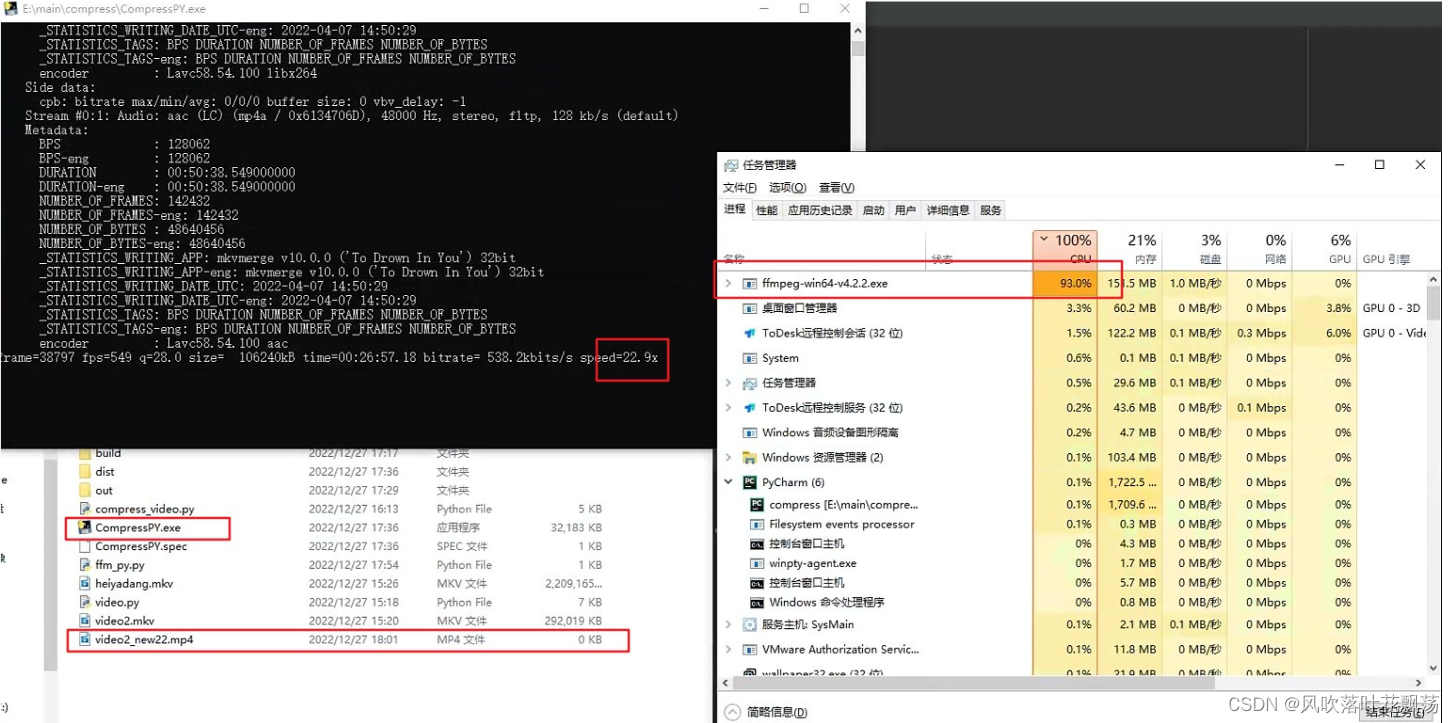
3、运行效果
最终效果:无系统限制,无需任何额外安装,压缩需求实现