

创建.net 8控制台项目
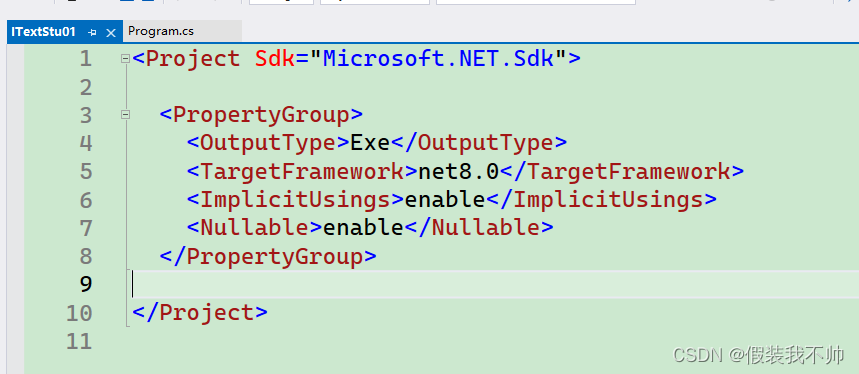
安装itext
<PackageReference Include="itext" Version="8.0.2" /><PackageReference Include="itext.bouncy-castle-adapter" Version="8.0.2" /><PackageReference Include="itext.bouncy-castle-fips-adapter" Version="8.0.2" />
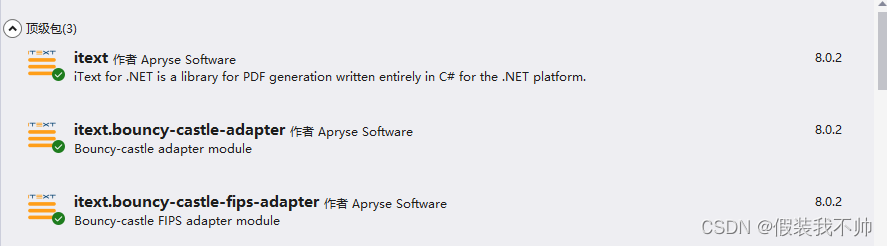
代码
using iText.Kernel.Pdf;
using iText.Layout;
using iText.Layout.Element;
using iText.Layout.Properties;namespace ITextStu01
{internal class Program{/// <summary>/// 程序入口/// </summary>/// <param name="args"></param>static void Main(string[] args){string basePath = System.AppDomain.CurrentDomain.BaseDirectory;string savePath = Path.Combine(basePath, "simple_table.pdf");ManipulatePdf(savePath);}/// <summary>/// 处理PDF/// </summary>/// <param name="dest"></param>static void ManipulatePdf(string dest){PdfDocument pdfDoc = new PdfDocument(new PdfWriter(dest));Document doc = new Document(pdfDoc);Table table = new Table(UnitValue.CreatePercentArray(8)).UseAllAvailableWidth();for (int i = 0; i < 16; i++){if (i % 2 == 0)table.AddCell("hello");elsetable.AddCell("你好");}doc.Add(table);doc.Close();}}
}
结果
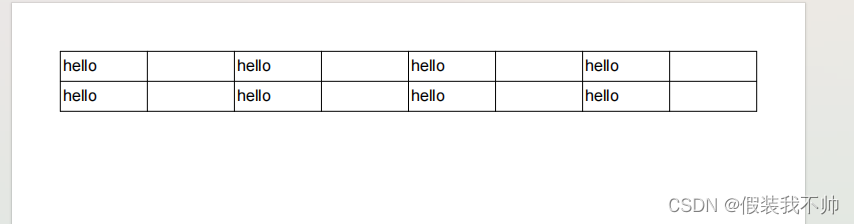
可以看到中文没有显示,经过了解是缺少字体导致中文没有显示,下面的地址是字体地址,仅供学习使用
https://github.com/Haixing-Hu/latex-chinese-fonts
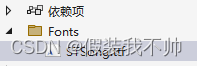
这里下载的宋体,添加到项目中,并且设置为始终复制
修改代码
/// <summary>
/// 处理PDF
/// </summary>
/// <param name="dest"></param>
static void ManipulatePdf(string dest)
{var sontFont = PdfFontFactory.CreateFont("Fonts/STSong.ttf", EmbeddingStrategy.PREFER_EMBEDDED);PdfDocument pdfDoc = new PdfDocument(new PdfWriter(dest));Document doc = new Document(pdfDoc);doc.SetFont(sontFont).SetFontSize(14);//设置字体大小Table table = new Table(UnitValue.CreatePercentArray(8)).UseAllAvailableWidth();for (int i = 0; i < 16; i++){if (i % 2 == 0)table.AddCell("hello");elsetable.AddCell("你好");}doc.Add(table);doc.Close();
}

参考地址
https://kb.itextpdf.com/itext/101-a-very-simple-table