前言:小刘开发过程中,如果是博客项目一般是会用到富文本。众多富文本中,小刘选择了markdown,并记录分享了下来。
 # 使用 npm
npm i @kangc/v-md-editor -Smain.js基本配置import VueMarkdownEditor from '@kangc/v-md-editor';
import '@kangc/v-md-editor/lib/style/base-editor.css';
import vuepressTheme from '@kangc/v-md-editor/lib/theme/vuepress.js';
import '@kangc/v-md-editor/lib/theme/style/vuepress.css';import Prism from 'prismjs';VueMarkdownEditor.use(vuepressTheme, {Prism,
});/* 2、v-md-editor 代码块关键字高亮  */
import githubTheme from '@kangc/v-md-editor/lib/theme/github.js';
import '@kangc/v-md-editor/lib/theme/style/github.css';
// 引入所有语言包
import hljs from 'highlight.js';
VueMarkdownEditor.use(githubTheme, {Hljs: hljs,
});/*** 3.创建行号*/
import createLineNumbertPlugin from '@kangc/v-md-editor/lib/plugins/line-number/index';VueMarkdownEditor.use(createLineNumbertPlugin());Vue.use(VueMarkdownEditor);
页面加载使用
<template><div class="hello"><v-md-editor v-model="text" height="400px"></v-md-editor></div>
</template><script>
export default {data() {return {text: '',};},
};
</script>
特别注意:当步骤到行号的时候,会出现依赖有问题;
类似:* @babel/runtime/helpers/interopRequireDefault in ./node_modules/@kangc/v-md-editor/lib/plugins/line-number/index.js To install it, you can run: npm install --save @babel/runtime/helpers/interopRequireDefault Error from chokidar (C:): Error: EBUSY: reso。。。。。。。
这种错误;
解决方案:
当使用 babel 转换 es 6出现下面错误时:
Module not found: Error: Can’t resolve
‘@babel/runtime/helpers/interopRequireDefault’ 我们可以重新安装一下:npm i @babel/runtime --save-dev
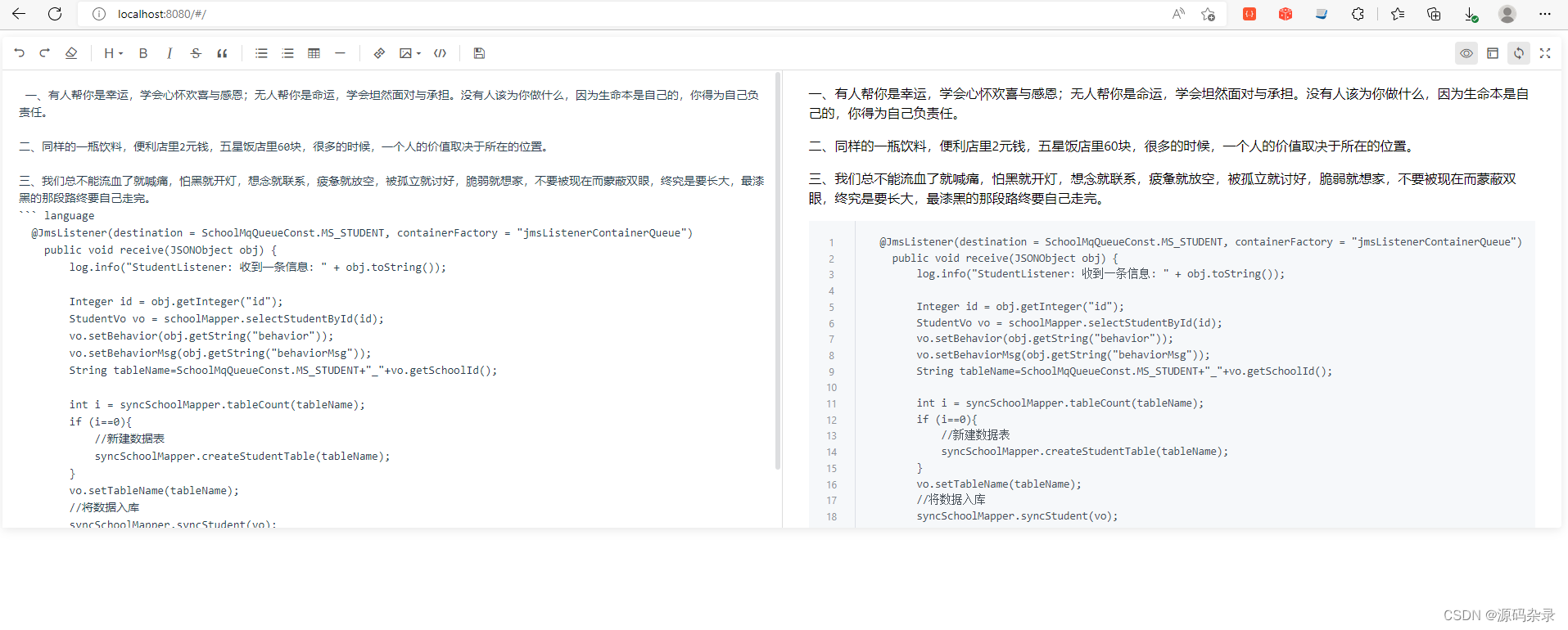
至此:github主题的markdown编辑器基本用法完成了。
运行demo效果:
图片上传功能:将图片上传到服务器,然后回显图片
:disabled-menus="[]"
@upload-image="handleUploadImage"
注意
上传图片菜单默认为禁用状态 设置 disabled-menus 为空数组可以开启。
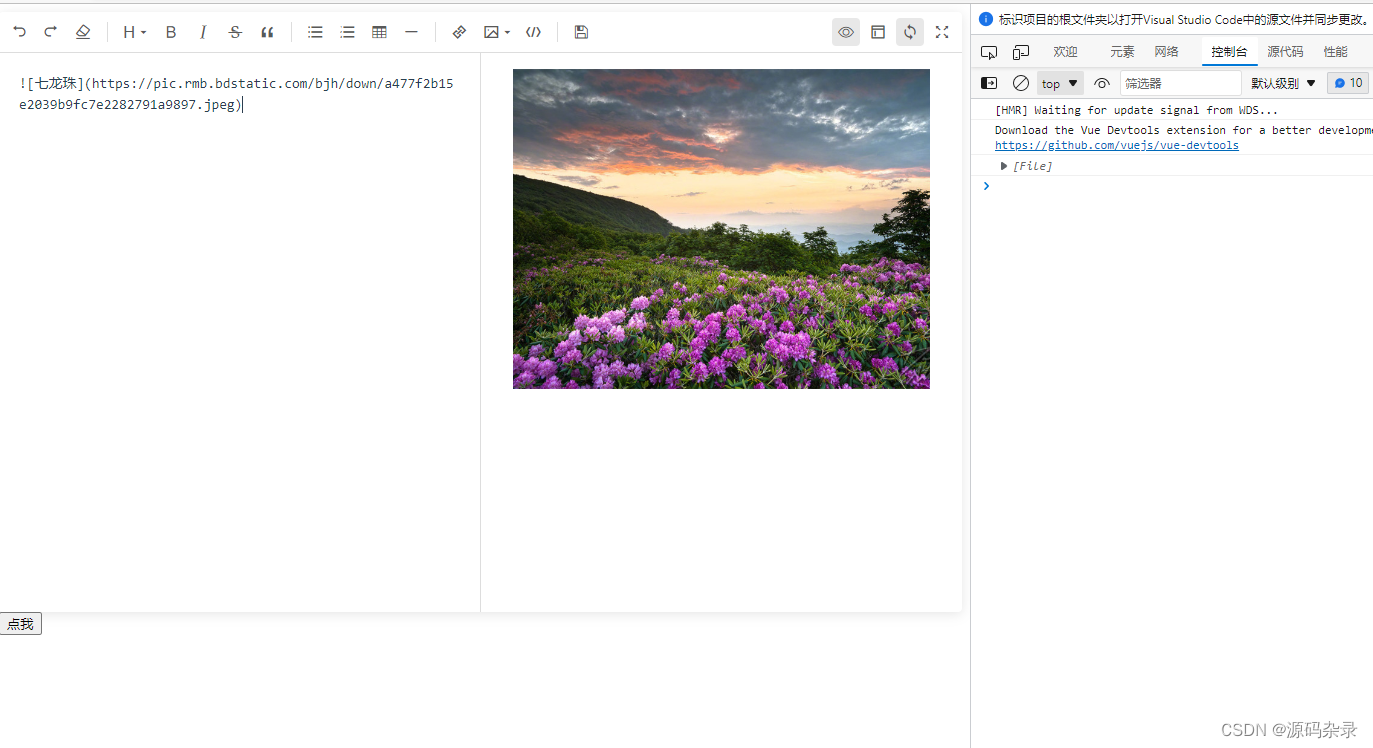
handleUploadImage(event, insertImage, files) {// 拿到 files 之后上传到文件服务器,然后向编辑框中插入对应的内容console.log(files);// 此处只做示例insertImage({url:'https://pic.rmb.bdstatic.com/bjh/down/a477f2b15e2039b9fc7e2282791a9897.jpeg',desc: '七龙珠',// width: 'auto',// height: 'auto',});},
测试效果如下