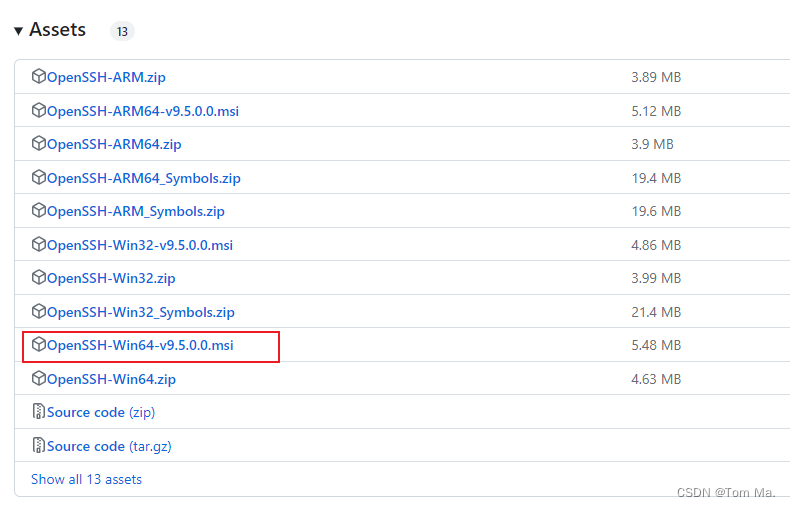
1、下载
https://github.com/PowerShell/Win32-OpenSSH/releases
2、默认安装
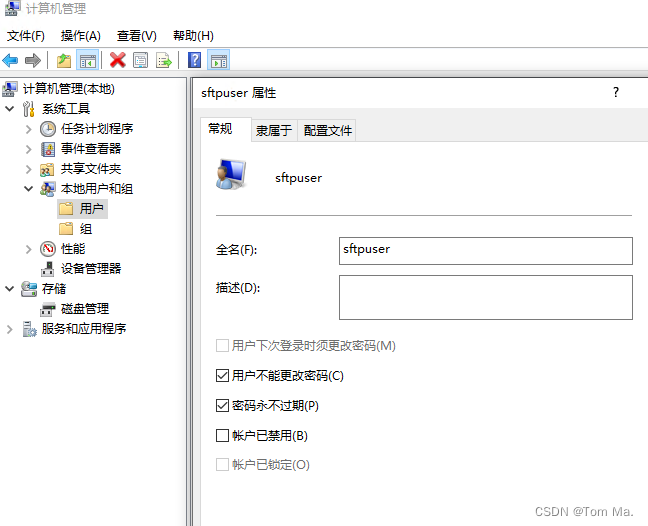
3、创建用户
4、修改配置文件
C:\ProgramData\ssh\sshd_config# 最后一行后面加入
ForceCommand internal-sftp# 设置用户登录后默认目录
Match User sftpuser
ChrootDirectory C:\SFTP# Disable tunneling, authentication agent, TCP and X11 forwarding.
PermitTunnel no
AllowAgentForwarding no
AllowTcpForwarding no
X11Forwarding no
PermitTTY no
5、重启服务
net stop sshd
net start sshd
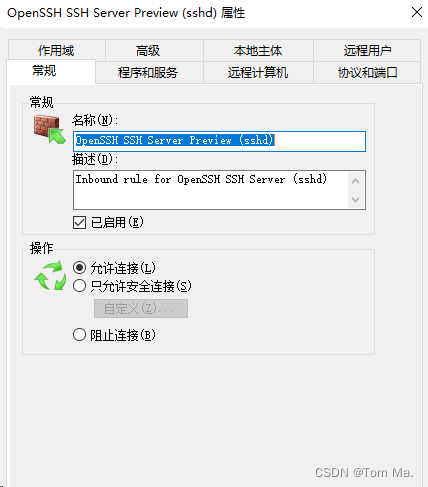
6、防火墙放行22端口